Android_SDK Compilation
Build Environment
Prepare build environment on a PC and install dependencies.
Preparation
Prepare an X64 computer(or setup a virtual machine in Virtualbox ), install Ubuntu 22.04 LTS.
- Hardware: RAM ≥ 16 GB, CPU cores ≥ 4, Hard Drive ≥ 500 GB
- Software: Ubuntu 22.04
Dependencies Installation
1. Login into Ubuntu desktop, open Terminal, su to the root user.(or use sudo to install dependencies.)
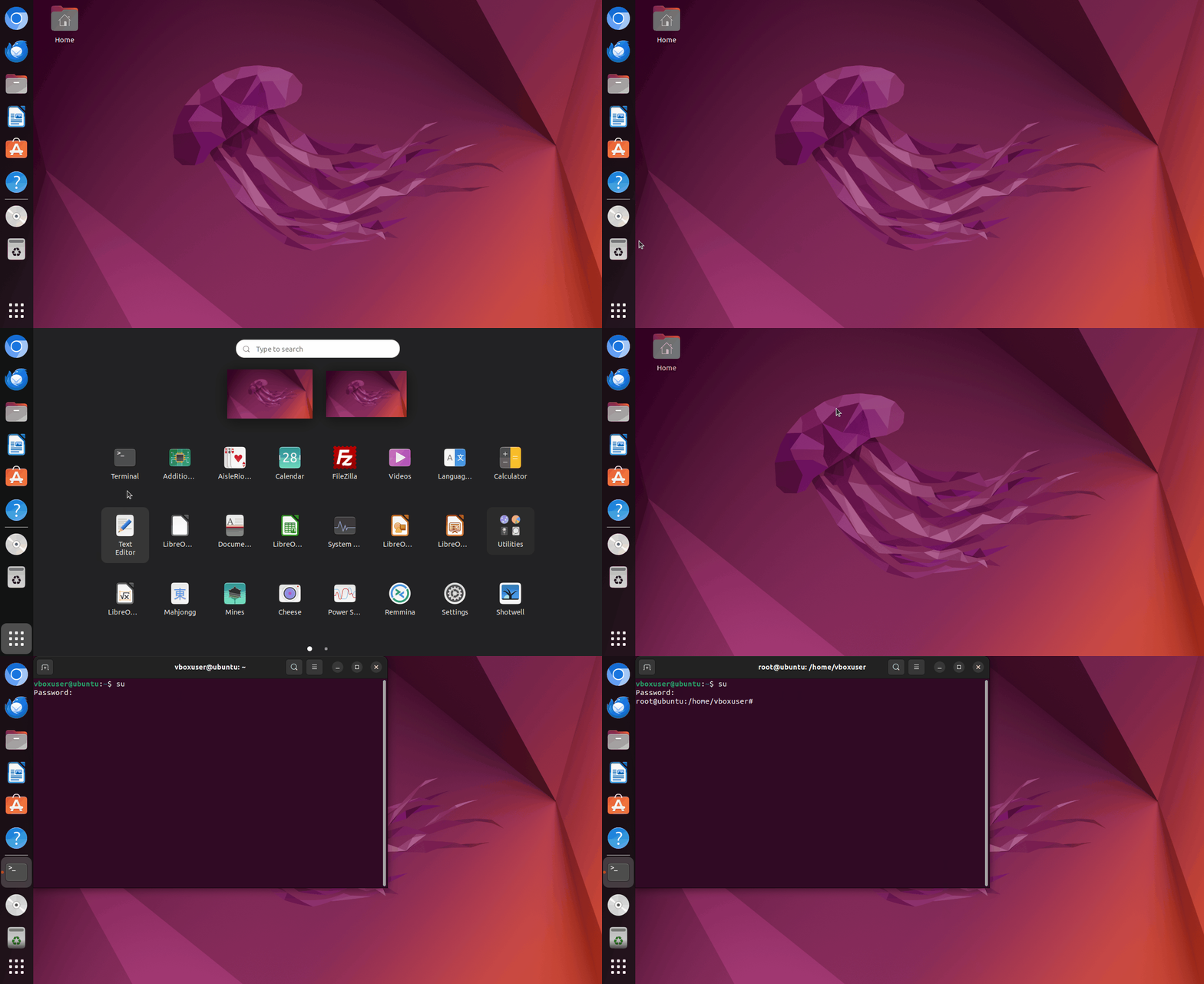
2. Input the following commands in sequence to install dependencies.
sudo apt install git bc bison build-essential curl flex libsdl1.2-dev
sudo apt install g++-multilib gcc-multilib gnupg gperf libncurses5-dev
sudo apt install imagemagick lib32ncurses5-dev lib32readline-dev squashfs-tools
sudo apt install lib32z1-dev liblz4-tool xsltproc libssl-dev libwxgtk3.0-gtk3-dev
sudo apt install libxml2 libxml2-utils schedtool lzop pngcrush rsync
sudo apt install yasm zip zlib1g-dev python3 device-tree-compiler
sudo apt install python-pip gawk openjdk-8-jdk u-boot-tools patchelf expect
sudo pip install pyelftools
Obtaining SDK Source Code
Note
1. Source code MUST NOT be placed in a HOST shared folder for building if you use a virtual machine ENV.
2. DO NOT build source as ROOT.
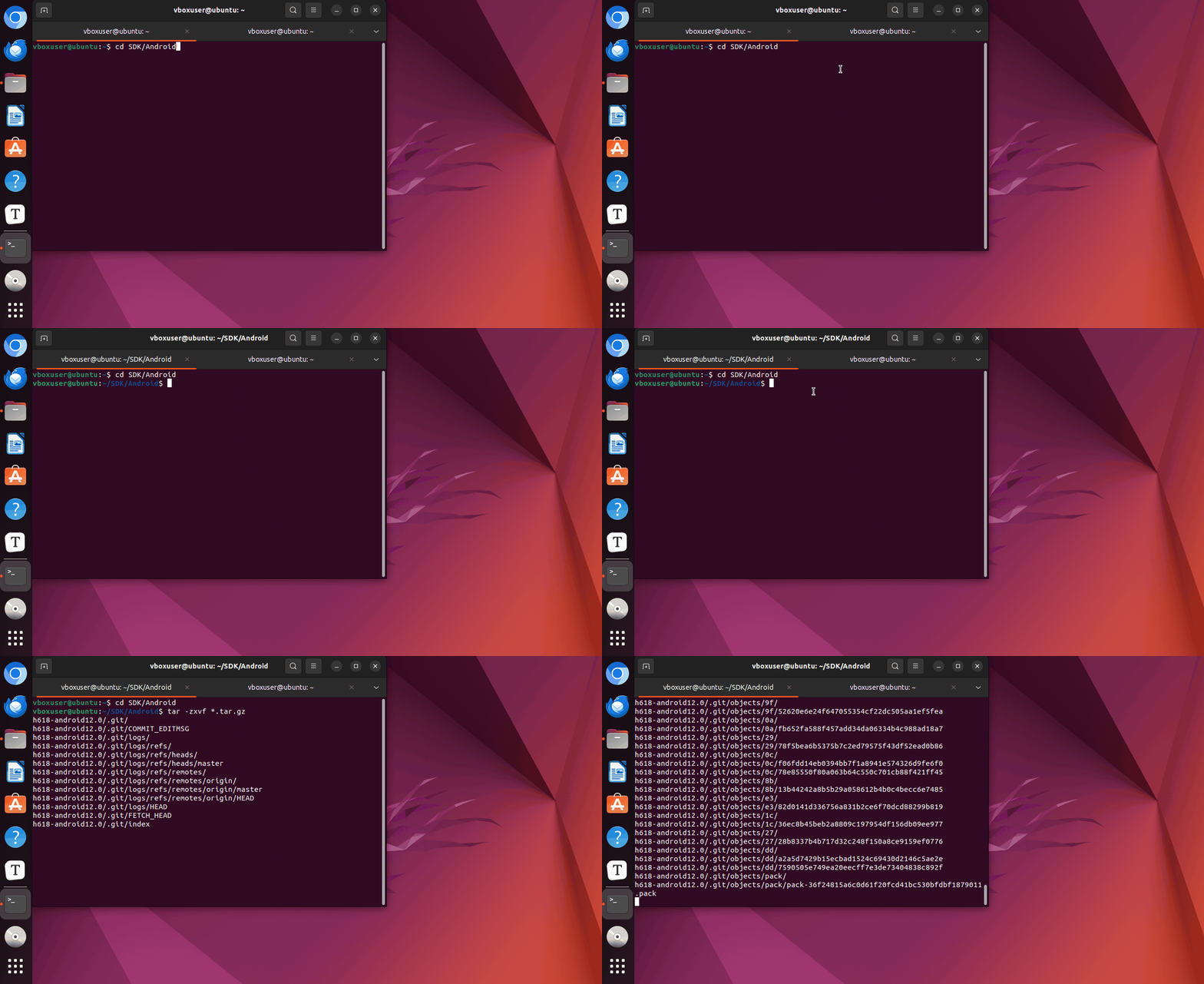
1. Download the SDK and copy the archive to an empty folder which you prepared for the building.
2. cd into the folder and extract tarball.
Warning
The Android SDK tarball is ≥ 25GB. When extracting, ensure the virtual machine disk has ≥ 100GB of free space.
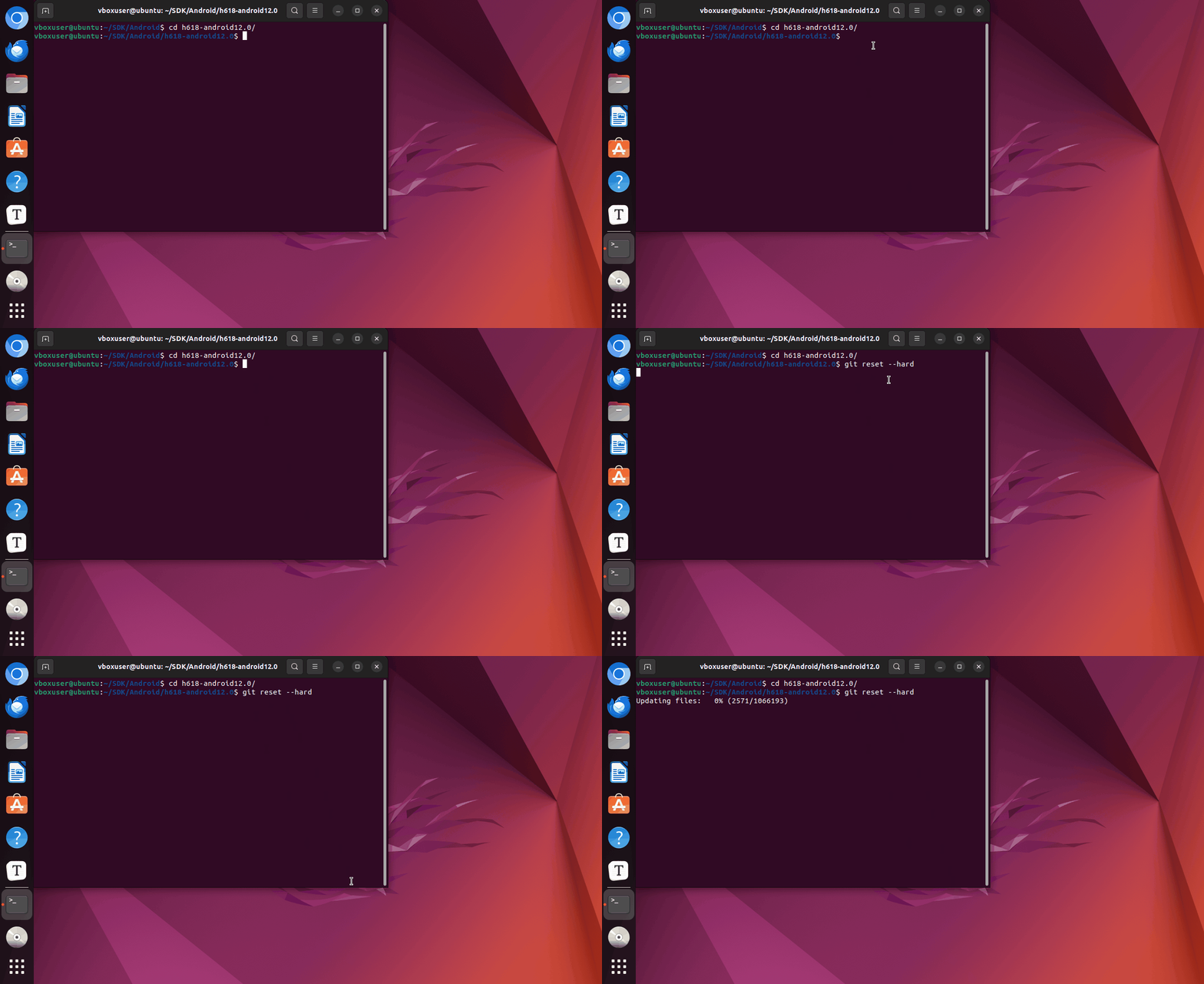
3. cd into the extracted h618-android12.0 folder and enter the command to restore the source code.
Initial Compilation Configuration
The first building requires configuring the build environment. If SDK locations remain unchanged ,do not require a second configuration.
1. cd to the folder after extraction is complete and run the following command to start Interactive building.
//cd into longan folder, longan is where Allwinner store bootloader source,kernel source, board configuration,resources, etc.
cd longan

//Execute command
./build.sh config
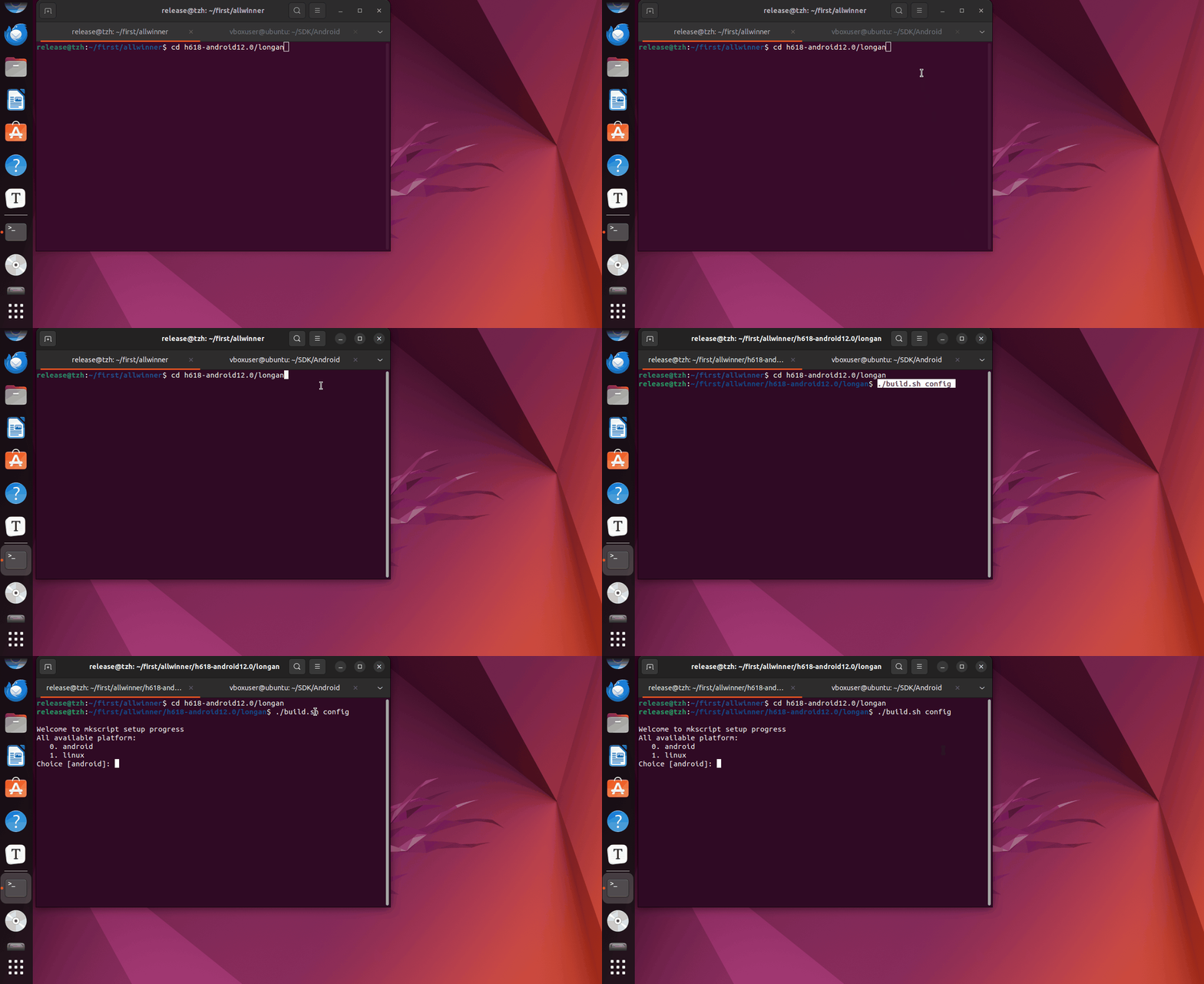
2. Configuration options.
Welcome to mkscript setup progress
All available platform:
   0. android
   1. linux
Choice [android]: 0
All available ic:
   0. h618
Choice [h618]: 0
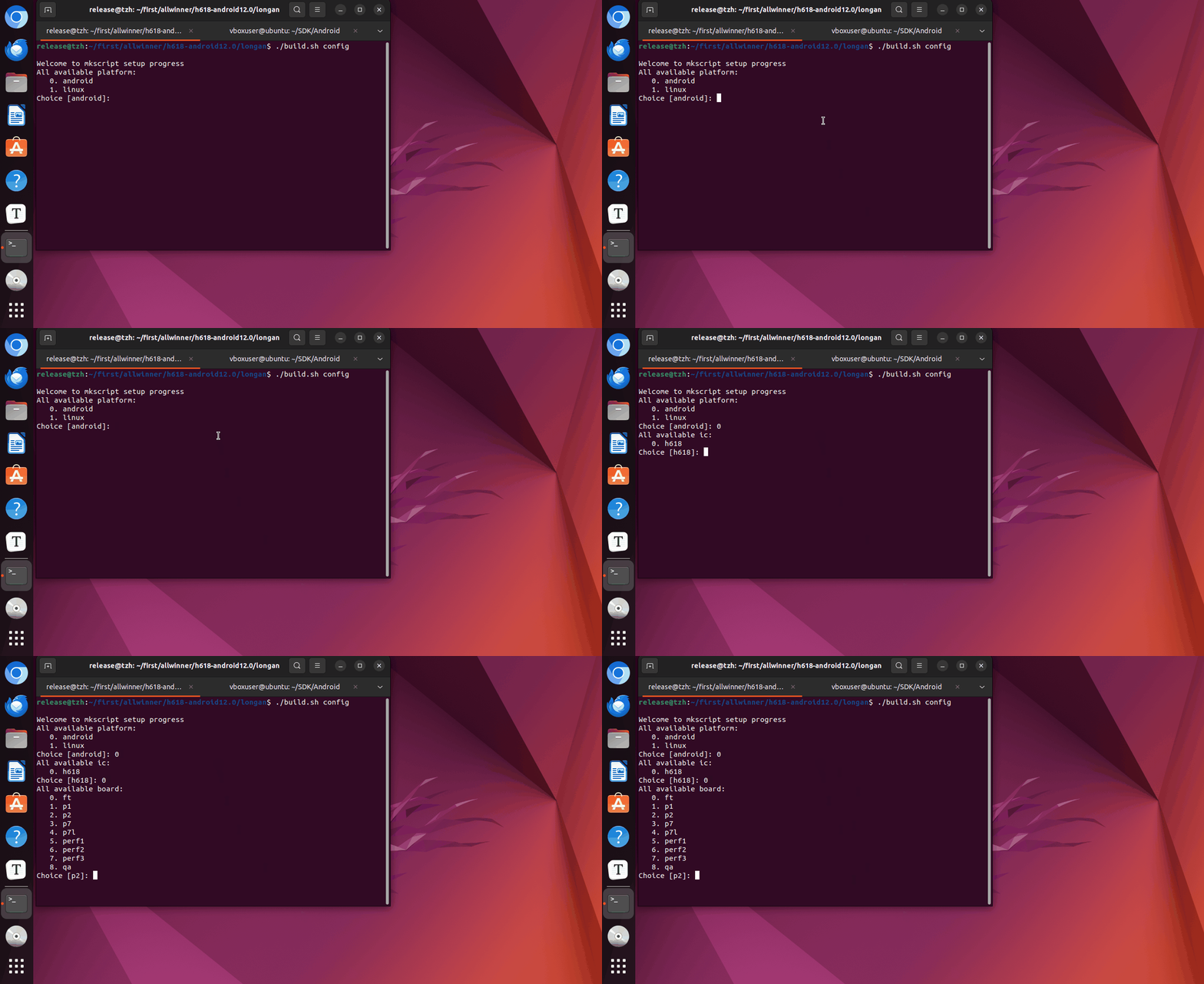
3. choose target board, p? is what AllWinner use to name their evaluation board, here we choose 2 .
All available board:
   0. ft
   1. p1
   2. p2
   3. p7
   4. p7l
   5. perf1
   6. perf2
   7. perf3
   8. qa
Choice [p2]: 2
All available flash:
   0. default
   1. nor
Choice [default]: 0
All available kern_ver:
   0. linux-5.4
Choice [linux-5.4]: 0
All available arch:
   0. arm
   1. arm64
Choice [arm64]: 1
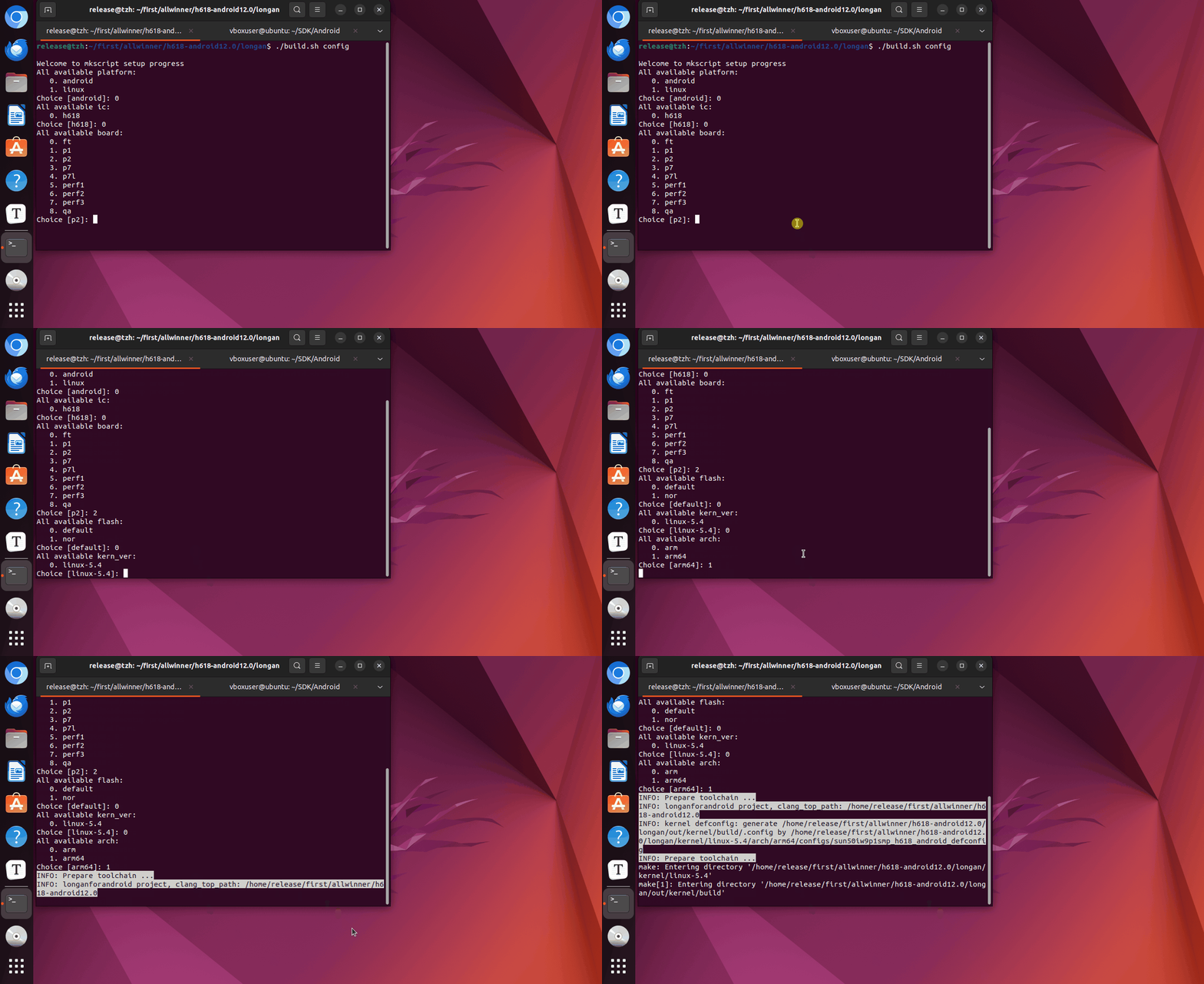
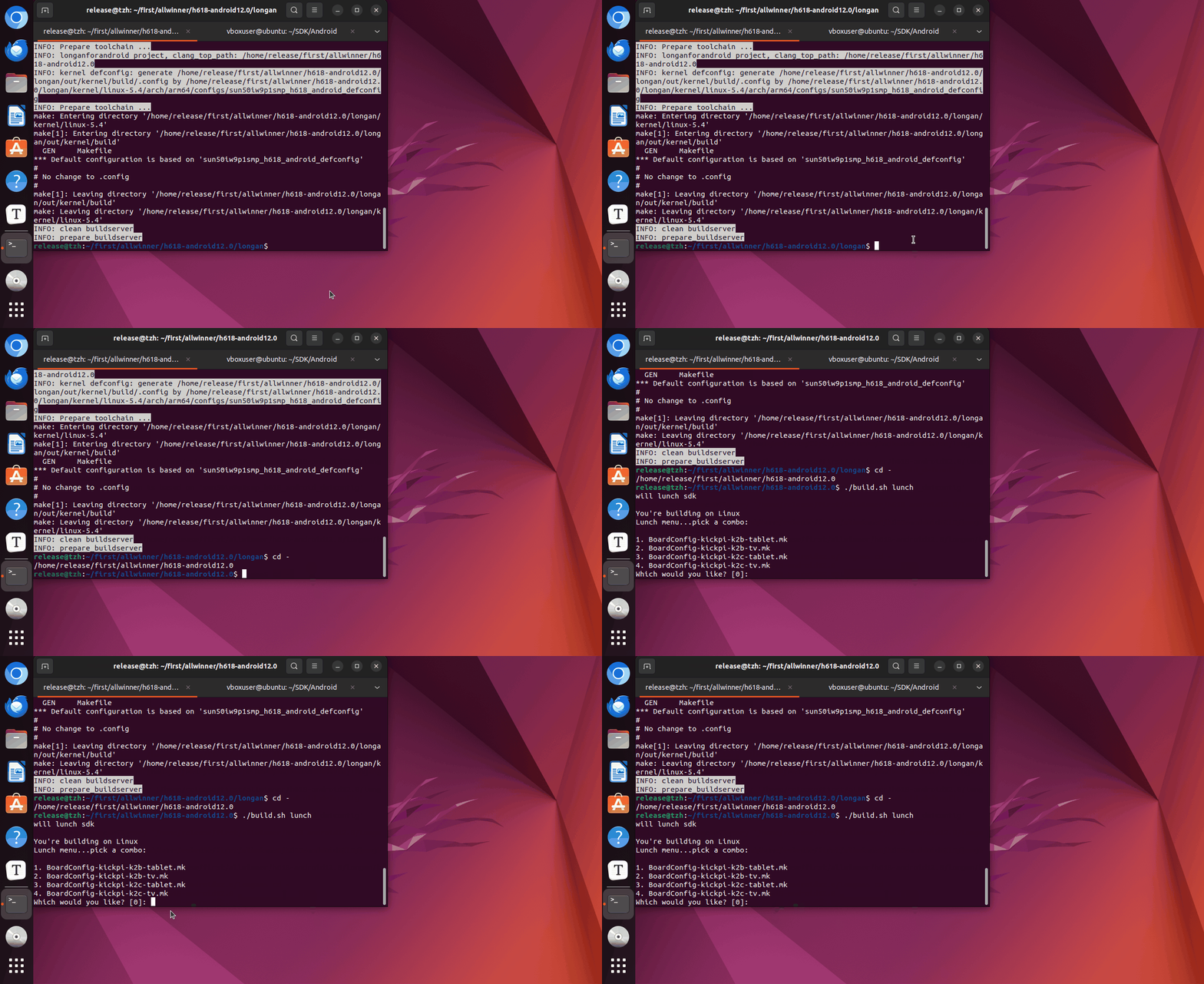
4. Run the following command.
will lunch sdk

You're building on Linux
Lunch menu...pick a combo:

1. BoardConfig-kickpi-k2b-tablet.mk
2. BoardConfig-kickpi-k2b-tv.mk
3. BoardConfig-kickpi-k2c-tablet.mk
4. BoardConfig-kickpi-k2c-tv.mk

Which would you like? [0]:
Build the complete image
Note
If Android building fails without clear error messages,that's because building messages scrolled too fast to many messages overwhelmed the errors, please reduce the number of building jobs in build.sh. Reduce make -j32 to a lower value like -j2.
1. cd the h618-android12.0 folder and run the command.

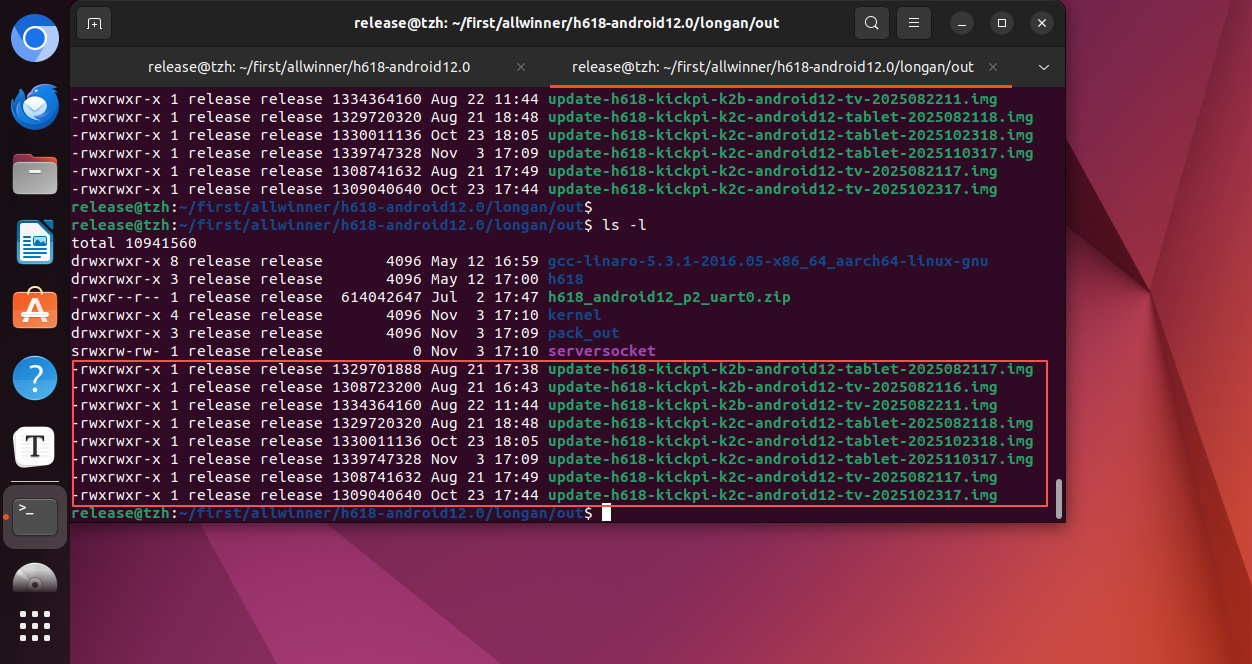
2. Build complete. Locate the image directory.
Tip
Mirror Generation Directory: longan/out/update-h618-xxxx.img
Compile partition images individually
Tip
Mirror Generation Directory: longan/out/update-h618-xxxx.img
- Compiling U-Boot Separately
- Compiling the Kernel Separately
- Compile Android Separately
- Configure the Kernel
- Device Tree Path
Q&A
- Android compilation failed? When building Android fails without any obvious error messages, modify the content and try recompiling.

- APP not included?
Android uses lazy compilation. Some apps or files may not be built into the image. Resolve this using one of the following methods:
1. make installclean。
2. rm -rf out/target/product/apollo-p2/obj/APPS
3. Changes in compilation conditions (such as filenames or APK names),use
touchto update your files' timestamp. - how to do full rebuild?